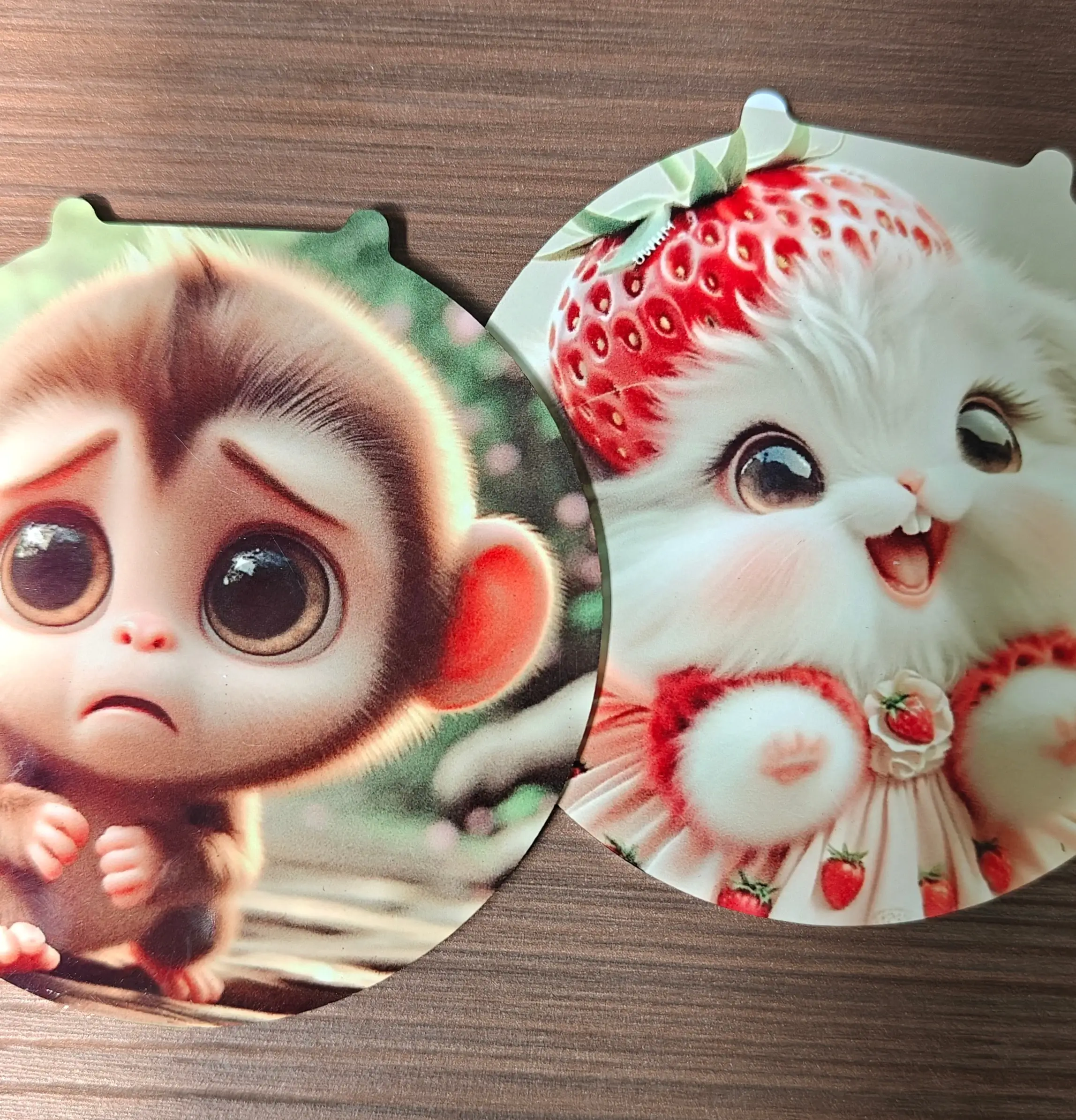
If you’ve ever completed a sublimation transfer on a metal sheet and noticed that the surface looks dirty, cloudy, or covered with glue-like marks, you’re not alone.
This is a common issue many sublimation users encounter — especially when trying to achieve fully transferred, high-saturation images.
The frustrating part?
Even after wiping, cleaning, or using adhesive removers, the marks don’t go away.
So what’s really causing this — and how can you fix it?
The Problem: Dirty or Glue-Like Residue After Sublimation
During our recent testing of sublimation aluminum sheets, we observed a consistent issue:
- When the image transfer is complete and vibrant,
- The metal surface may show hazy, sticky, or glue-like marks
- These marks cannot be removed, even with cleaning agents
However, when we:
- Lowered the temperature, or
- Reduced the pressing time
👉 The stains disappeared, but the image quality became poor (faded colors, incomplete transfer).
So the challenge becomes:
How do you achieve both perfect image transfer AND a clean surface finish?
Common Mistakes People Make
When facing this issue, many users assume:
- The coating is defective
- The transfer paper left residue
- The ink is the problem
- The surface needs chemical cleaning
But in most cases, these are not the root cause.
The Real Cause: Excessive Pressure During Heat Pressing
After running multiple controlled tests and adjusting variables one by one, we identified the key factor:
👉 The pressure applied during heat transfer was too high.
Excessive pressure can:
- Over-compress the coating layer
- Cause uneven sublimation gas distribution
- Create surface stress or micro-residue effects
- Lead to a “dirty” or “shadowed” appearance on the metal surface
This is especially noticeable on high-gloss sublimation aluminum sheets.
The Solution: Reduce Heat Press Pressure
Through repeated experiments, we found the optimal solution:
✅ Lower the heat press pressure to approximately 5 kg/cm²
After adjusting the pressure:
- The image transferred fully (no loss in color or detail)
- The surface became clean and glossy
- The glue-like marks completely disappeared
Why Lower Pressure Works
Sublimation is a gas diffusion process, not a physical pressing process.
This means:
- Heat is needed to convert ink into gas
- The coating absorbs the gas
- Excess pressure is not required
Too much pressure can actually interfere with:
- Gas movement
- Coating performance
- Surface uniformity
Recommended Sublimation Settings for Metal Prints
For best results on sublimation aluminum sheets:
- Temperature: 190–205°C (374–401°F)
- Time: 45–60 seconds
- Pressure: Medium to light (around 5 kg/cm²)
Always avoid using “maximum pressure” — it does not improve transfer quality and may damage the result.
Additional Tips to Avoid Dirty Surfaces
- Use high-quality sublimation paper
- Ensure even heat distribution on your press
- Remove protective film before pressing
- Avoid dust or contamination on the surface
- Allow the sheet to cool naturally after pressing
Conclusion: It’s Not the Material — It’s the Pressure
If your sublimation metal prints look dirty after pressing, the issue is most likely not the aluminum sheet itself, but incorrect pressure settings.
By simply reducing the pressure, you can achieve:
✔ Full image transfer
✔ Bright, vibrant colors
✔ Clean, glossy surface
✔ Professional-quality results
Pro Tip for Consistent Results
High-quality sublimation aluminum sheets with stable coatings are more forgiving and easier to optimize. When combined with the correct pressure settings, they consistently deliver clean, high-end metal prints without defects.
consistently deliver clean, high-end metal prints without defects.
Get Perfect Sublimation Metal Prints Every Time
If you want to consistently achieve vibrant, full-color images with clean, glossy surfaces, the secret is twofold:
- Choose high-quality sublimation aluminum sheets with stable coatings – these ensure even ink absorption and prevent surface defects.
- Use the correct heat press settings – optimal temperature, time, and medium pressure (around 5 kg/cm²)- to avoid the glue-like residue and maintain a smooth, professional finish.
Di Global Metal, our sublimation aluminum sheets are designed for precision and reliability. With double-sided protective PE film, consistent coating thickness, and customizable sizes, our products give you the confidence to:
- Produce flawless photo panels
- Create metal signage without defects
- Make personalized gifts or promotional items with professional-grade quality
💬 Hubungi kami hari ini to request samples or bulk pricing and ensure your next batch of sublimation metal prints comes out perfectly every time.